Send customers from your app to a pay page we host. They pay by card, ACH, Apple Pay or Google Pay, and come straight back to you, paid. One API call, nothing to design.
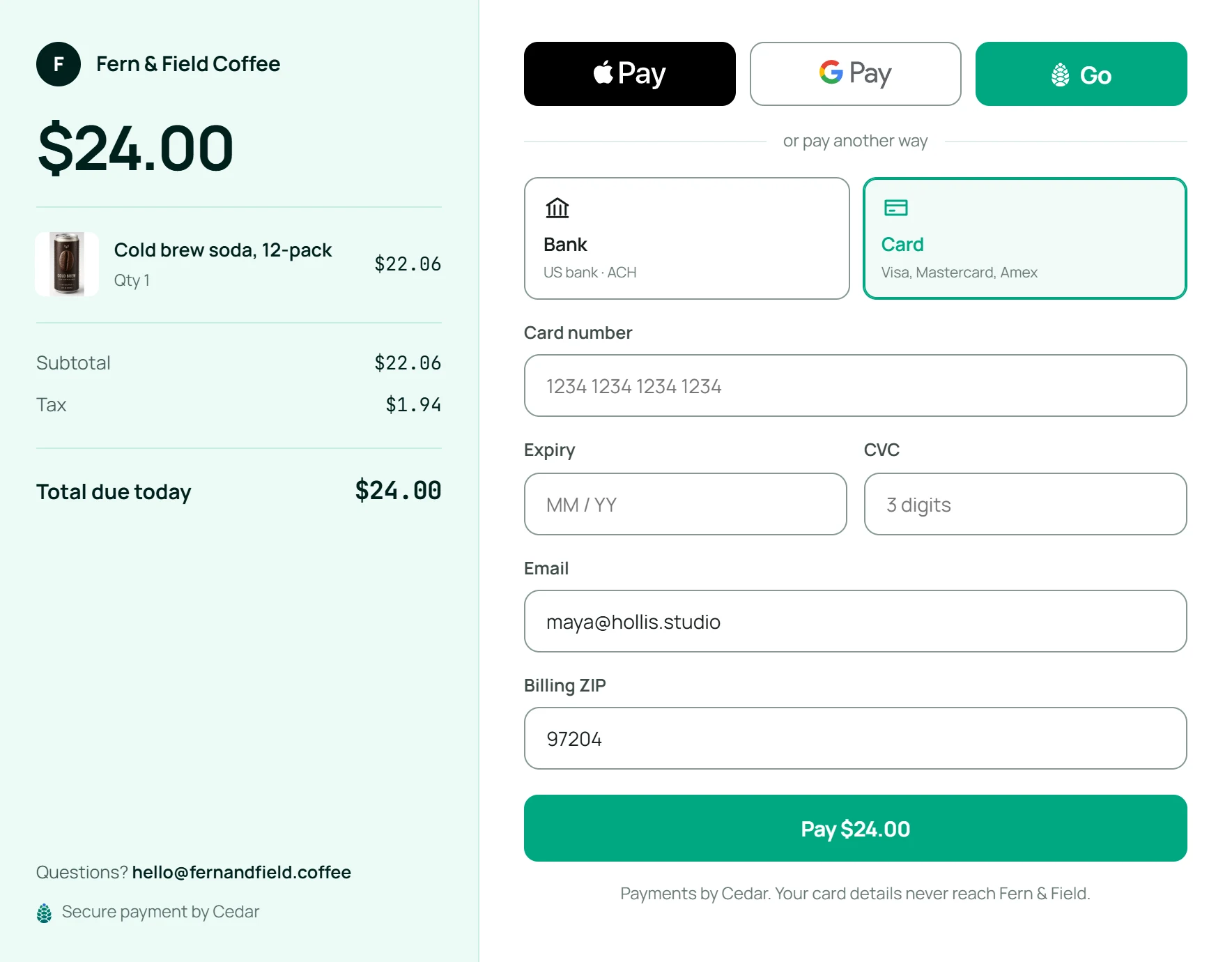
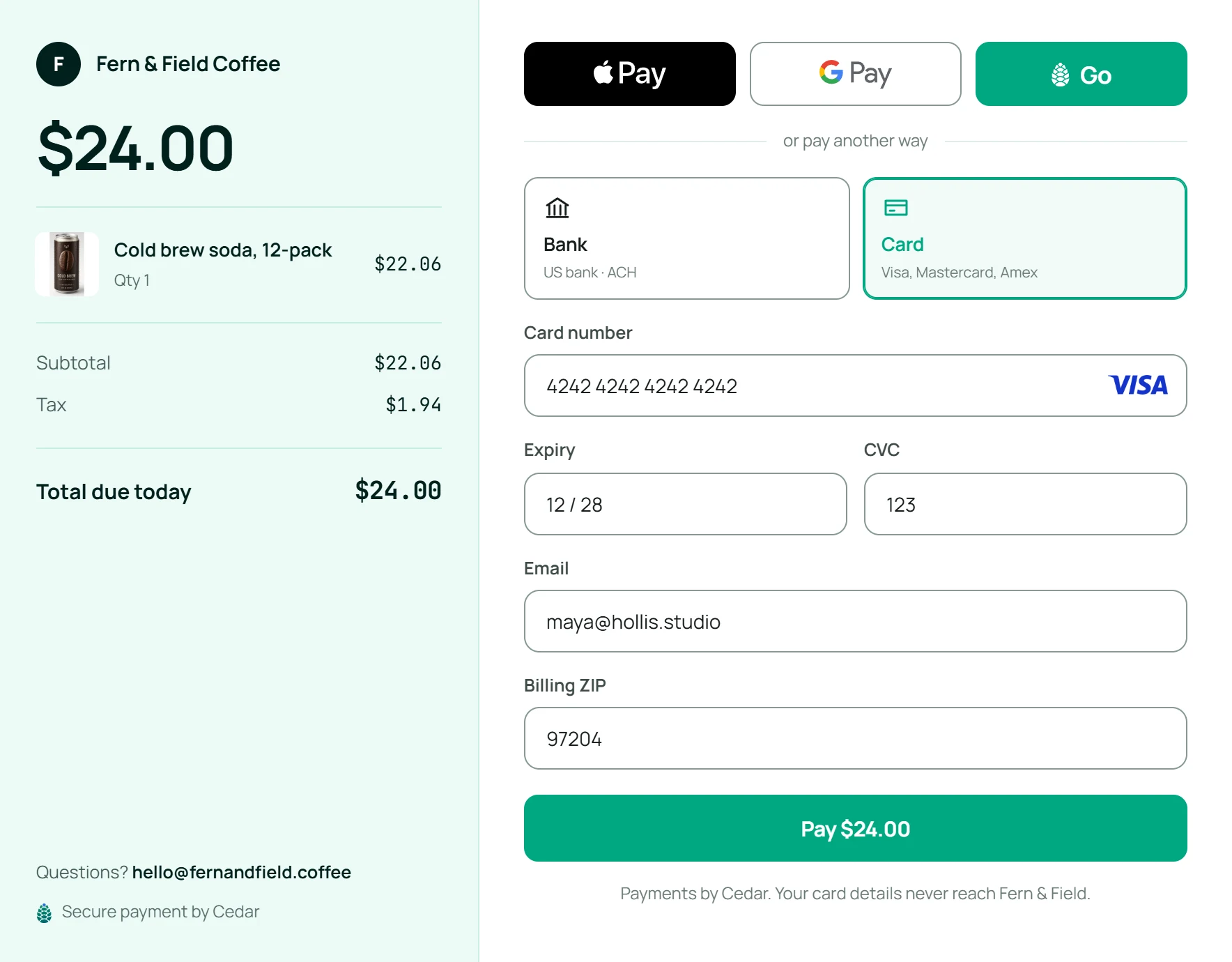
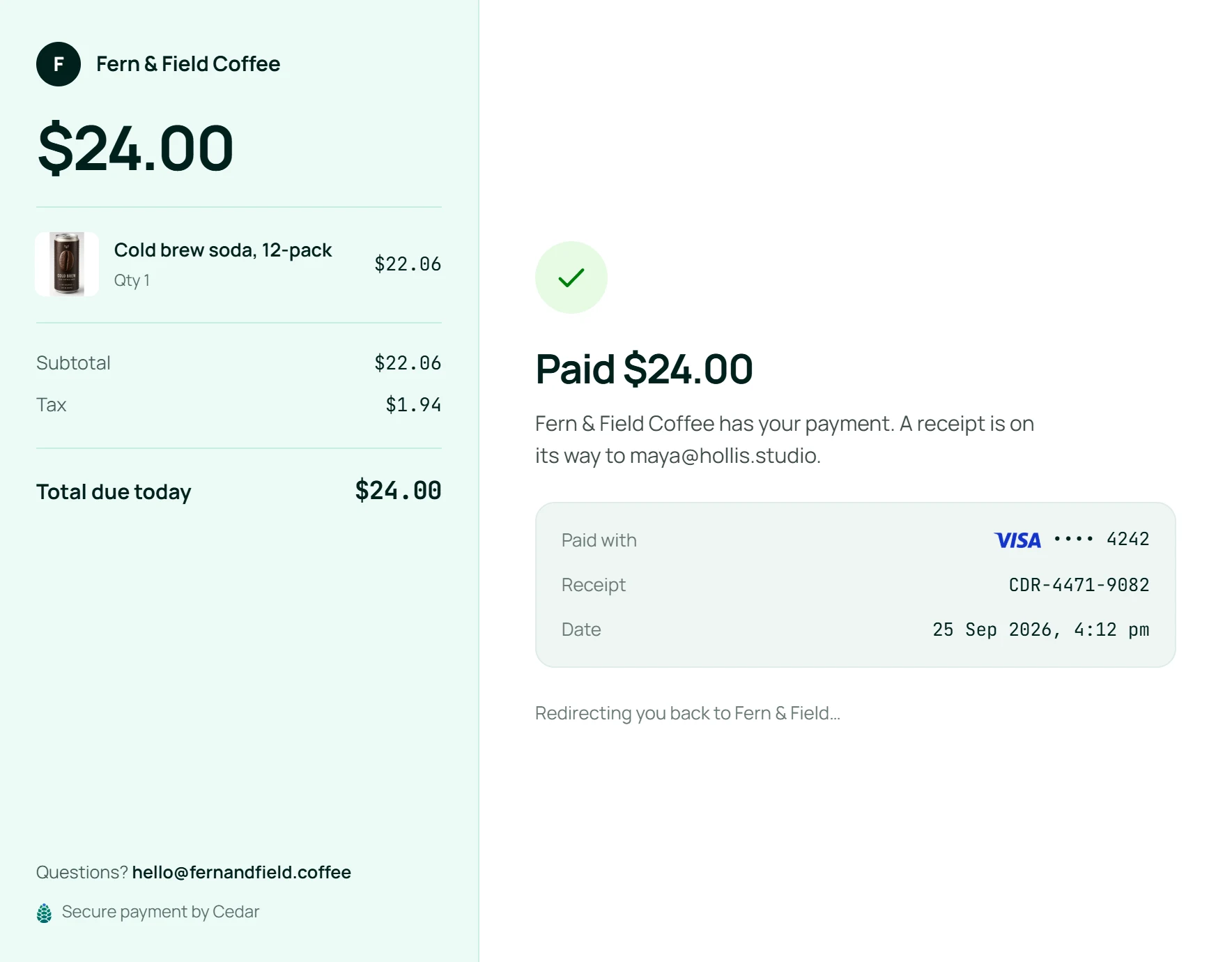
On Fern & Field Coffee's website, a customer presses Checkout for a cold brew soda 12-pack. Fern & Field's server creates a checkout session with one API call and gets back a pay_url. The browser goes to the Cedar-hosted pay page, where the customer can pay with Apple Pay, Google Pay, a card or a bank account. They pay $24.00 by card and the browser returns to Fern & Field's thank-you page. A checkout_session.updated webhook tells Fern & Field's server the session is completed, and Cedar emails the customer a receipt.
Address autocomplete, autofill and real-time card validation get customers through the form fast, and returning customers pay in a tap with CedarGo. Optional 3D Secure and network tokenization help more payments go through.
pay.usecedar.co
Card information**** **** **** 4242
Your server getsstatus: completed
Card numbers stay with us
PCI DSS compliant
The checkout looks and feels like part of your site, yet card details never touch your servers. You stay compliant without the extra work, and go live faster.
Brand settings
Colors
FontManropeGeorgiaMono
Corners
LogoFRH
FRHFern & Field CoffeeRedbrook Food BankHarbor Print Co.
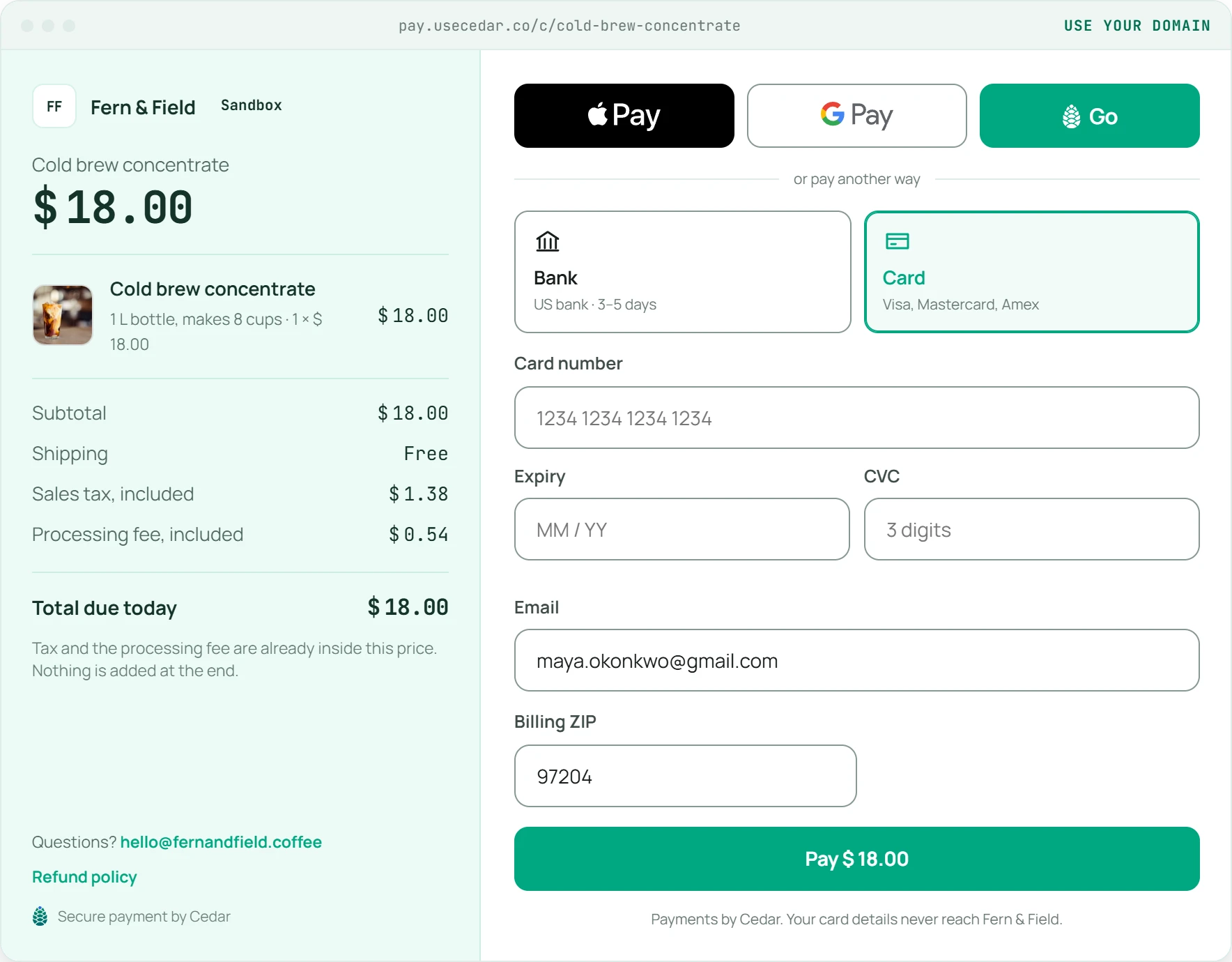
Change the checkout's colors, font, shapes and brand settings to match your own, then embed it right on your website.
Your receipt from Fern & Field CoffeeTo maya@hollis.studio
$24.00
Cold brew soda, 12-pack · Paid Sep 26
Receipt.pdf
Sent the moment they pay
Receipts sent for you
Once a payment goes through, Cedar emails the customer a PDF receipt. There's nothing for you to send.
In the dashboard, Cedar suggests three changes to Fern & Field Coffee's checkout: show Apple Pay first on iPhone, drop the phone number field, and offer bank transfers. Fern & Field turns on all three. A $24.00 Apple Pay payment comes in, and a chart of paid checkouts rises from the day the changes were turned on.
Optimize conversion3 suggestions
Show Apple Pay first on iPhoneMost of your customers check out on a phoneTurn onOn
Drop the phone number fieldFewer fields, faster checkoutTurn onOn
Offer bank transfersLarge orders pay less in feesTurn onOn
Payment receivedApple Pay · Fern & Field Coffee$24.00
Paid checkoutsLast 30 daysTrending up
Suggestions turned on
Turn more checkouts into payments.
Suggestions made for your checkout
Cedar looks at where your customers drop off and suggests changes for your checkout, like showing a wallet first or trimming a field. Turn one on in a click.
The right way to pay, for each customer
Show each customer the ways to pay they're most likely to use, like Apple Pay on an iPhone or a bank transfer for a large order.
Fewer declined payments
Network tokens, smart retries and optional 3D Secure help payments that would have failed go through.
Create a checkout via API.
Send the order from your own app and get back a link to a pay page we host. Send the customer there, and we send them back to you once they've paid.
One call, one pay page
Send the line items and where to go after. You get back a pay_url for this customer and this order.
Safe to retry
Repeat a request with the same Idempotency-Key and you get the first session back, not a second one.
Hear when it's paid
Cedar sends your server a checkout_session.updated webhook, so you can ship the order the moment it's paid.
Follow one payment from the checkout to your books. It passes through six blocks, and they fit together on one system of record.
A customer pays on Hosted checkout. The card goes into Token vault and comes out as a token. A second customer pays with another card, saved as a token of its own. Payments orchestration picks a processor: the first payment goes to Cedar for the highest approval rate, the second to Processor A for the lowest fee. Both are approved, and Accounting and Tax book each one with its fee and sales tax.
A pay page that Cedar hosts for you. Your app creates a checkout session with one API call, sends the customer to its link, and gets them back once they've paid.
How can my customers pay?
By card, ACH bank transfer, Apple Pay or Google Pay, all on the same page.
What does the customer see?
Your business name, what they're buying with any tax, shipping and discount, and the total due. Once they pay, they head straight back to your site.
How do I know a payment went through?
Cedar sends your server a checkout_session.updated webhook and the session's status turns completed. You can also read the session back at any time.
How long does a checkout link last?
30 minutes, unless you set your own expiry when you create it. A link closes for good once it's paid, expired or canceled.
Can I make a checkout without code?
Yes. Create a checkout session in the dashboard with line items, tax, shipping and a discount, then open or share its pay page.